
 USA
USA
 Canada
 Australia
 UK
UK Europe
 New Zealand
 Japan
Japan Singapore
 UAE
UAE India
India South Korea


New Launch
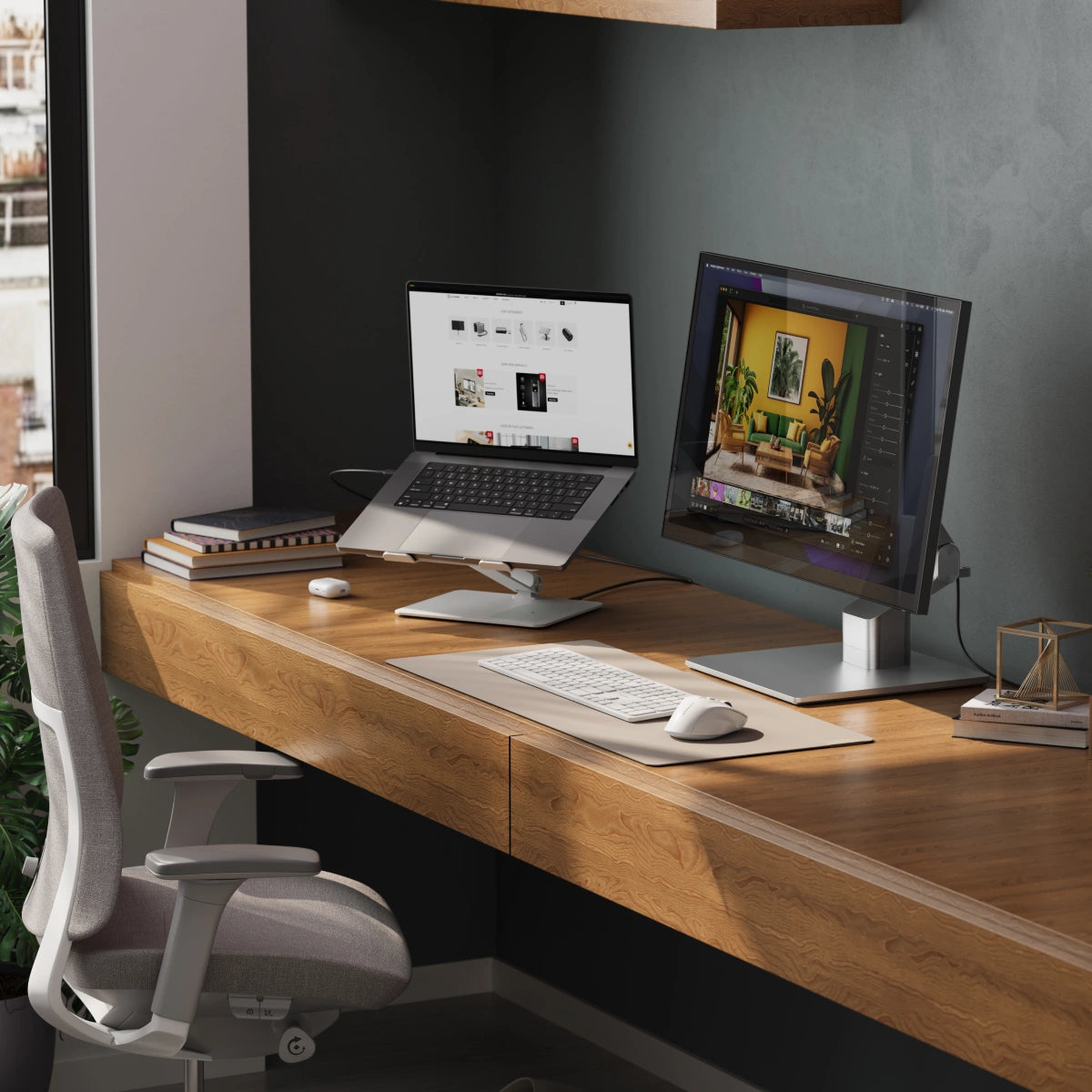
Clarity 5K Fold Touch 27" UHD Monitor with USB-C Power Delivery and Touchscreen

The World's Leading
for Mac and Windows


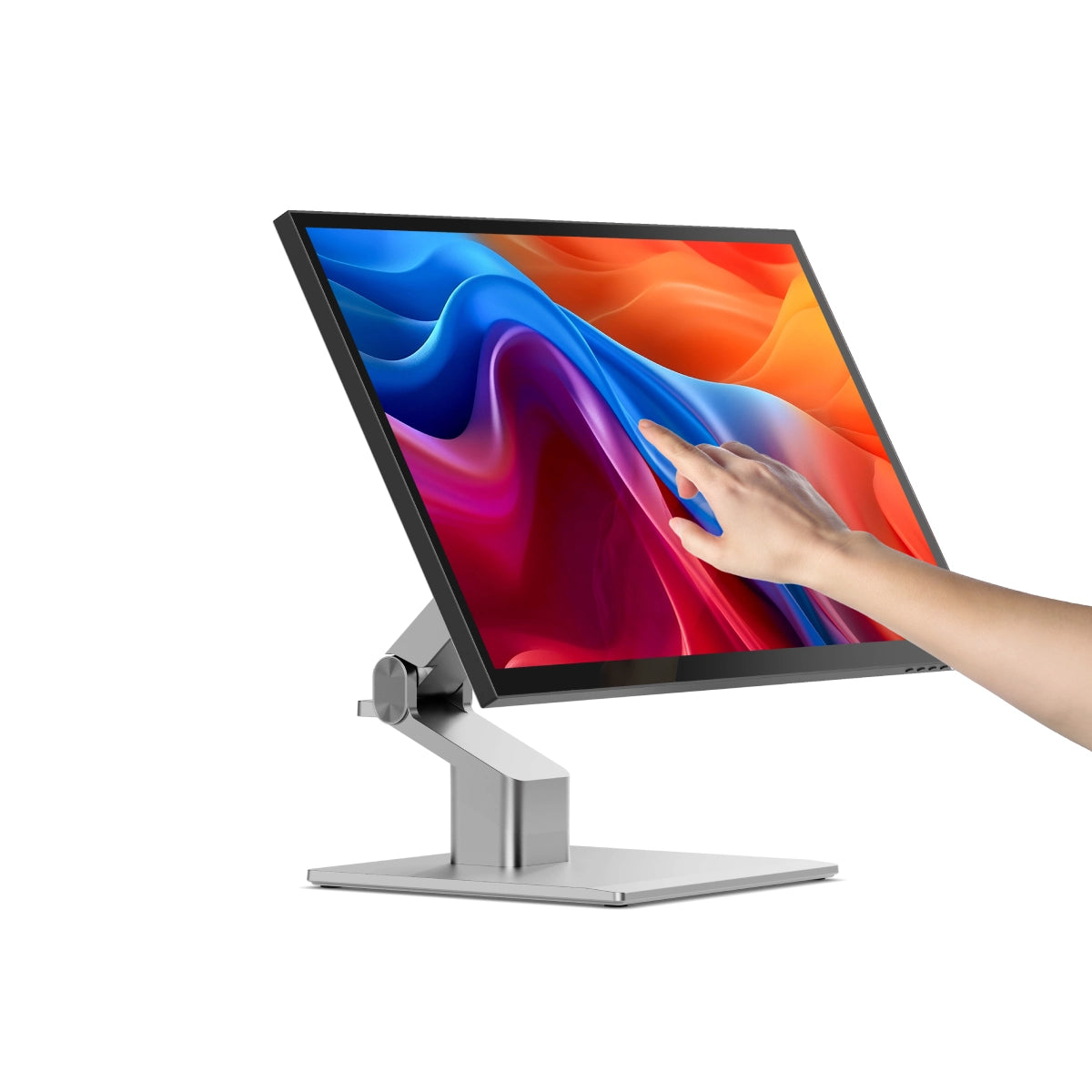
Transcend the limits of 4K with Clarity 5K’s intricately detailed, colour accurate screen which you can reach out and touch like an iPad™, or paint onto with our pressure-sensitive Clarity Active Stylus.

High Resolution Display

Unrivalled 5K Touchscreen

Stylus Compatible
From graphic designers to document signers, professionals around the world rely on Clarity Touch’s precision 5K touchscreen to simplify their workflow. With intuitive multitouch gestures and precision stylus support, Clarity Touch empowers you to use your computer like a 32” tablet.


5120x2880
Resolution
16:9
Aspect Ratio
400 nits
Max Brightness
60Hz
Refresh Rate
178°
Viewing Angle
100%
sRGB


Videography
Clarity's 5K allows you to see 33% more of your timeline than a 4K monitor, while its intuitive touchscreen is perfect for making quick adjustments in post production.

Photography
Inject some spontaneity into your Lightroom workflow by using the Clarity Active Stylus for masking, or adjust brightness and colour balance with Clarity's touchscreen.

Graphic Design
Whether you're diving into the fine details with a stylus or quickly dragging elements around to find the best visual flow, Clarity's touchscreen brings the joy back to design.

Digital Art
The perfect canvas for your next masterpiece, Clarity 5K folds down into a comfortable drawing board offering unparalleled stylus precision via its studio-grade screen.
Videography
Clarity's 5K allows you to see 33% more of your timeline than a 4K monitor, while its intuitive touchscreen is perfect for making quick adjustments in post production.
Photography
Inject some spontaneity into your Lightroom workflow by using the Clarity Active Stylus for masking, or adjust brightness and colour balance with Clarity's touchscreen.
Graphic Design
Whether you're diving into the fine details with a stylus or quickly dragging elements around to find the best visual flow, Clarity's touchscreen brings the joy back to design.
Digital Art
The perfect canvas for your next masterpiece, Clarity 5K folds down into a comfortable drawing board offering unparalleled stylus precision via its studio-grade screen.

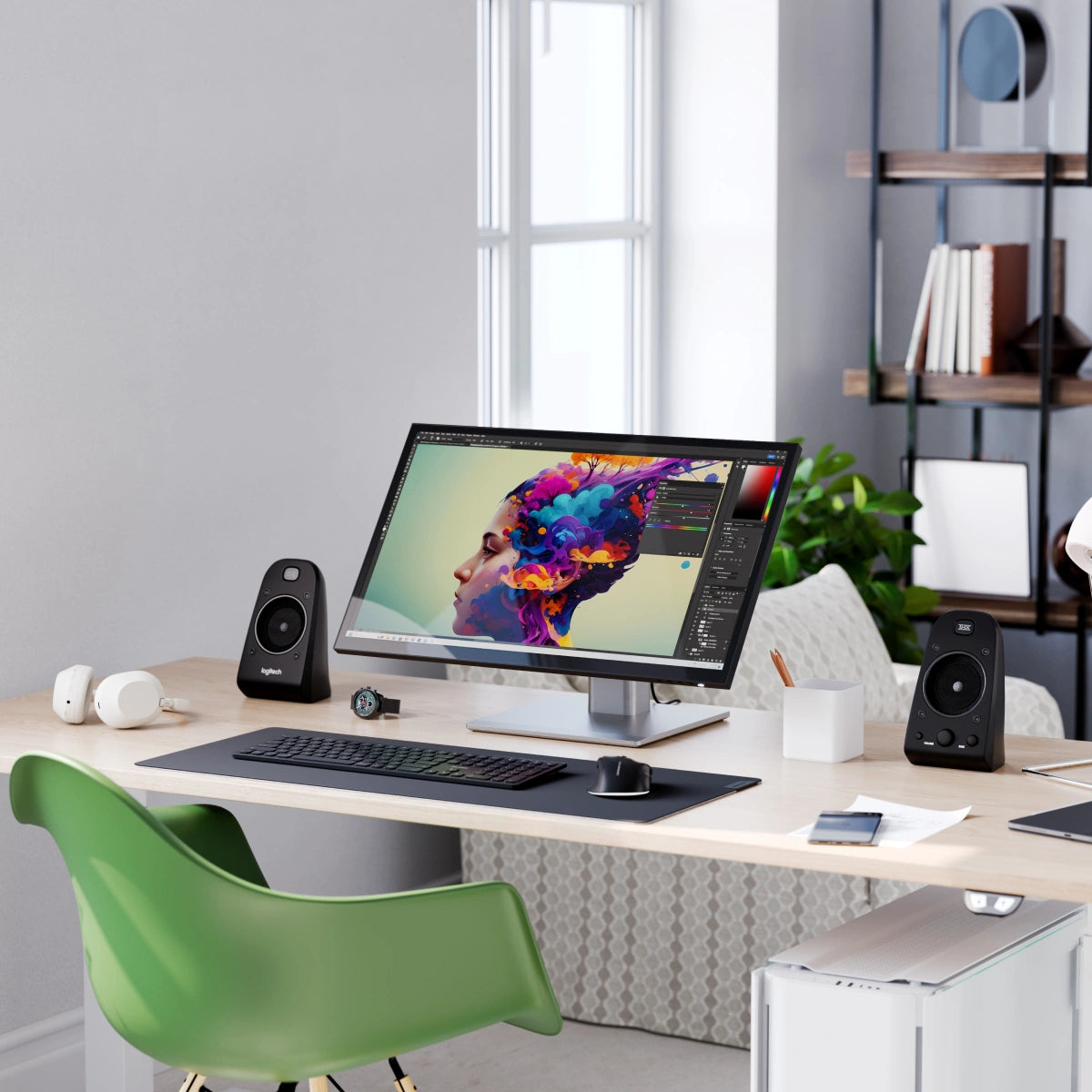
Clarity’s glossy screen delivers sharp, vibrant and accurate colours, perfect for use in bright home offices, with 100% sRGB and 99% DCI-P3 coverage and an Avg. ΔE well below 1.
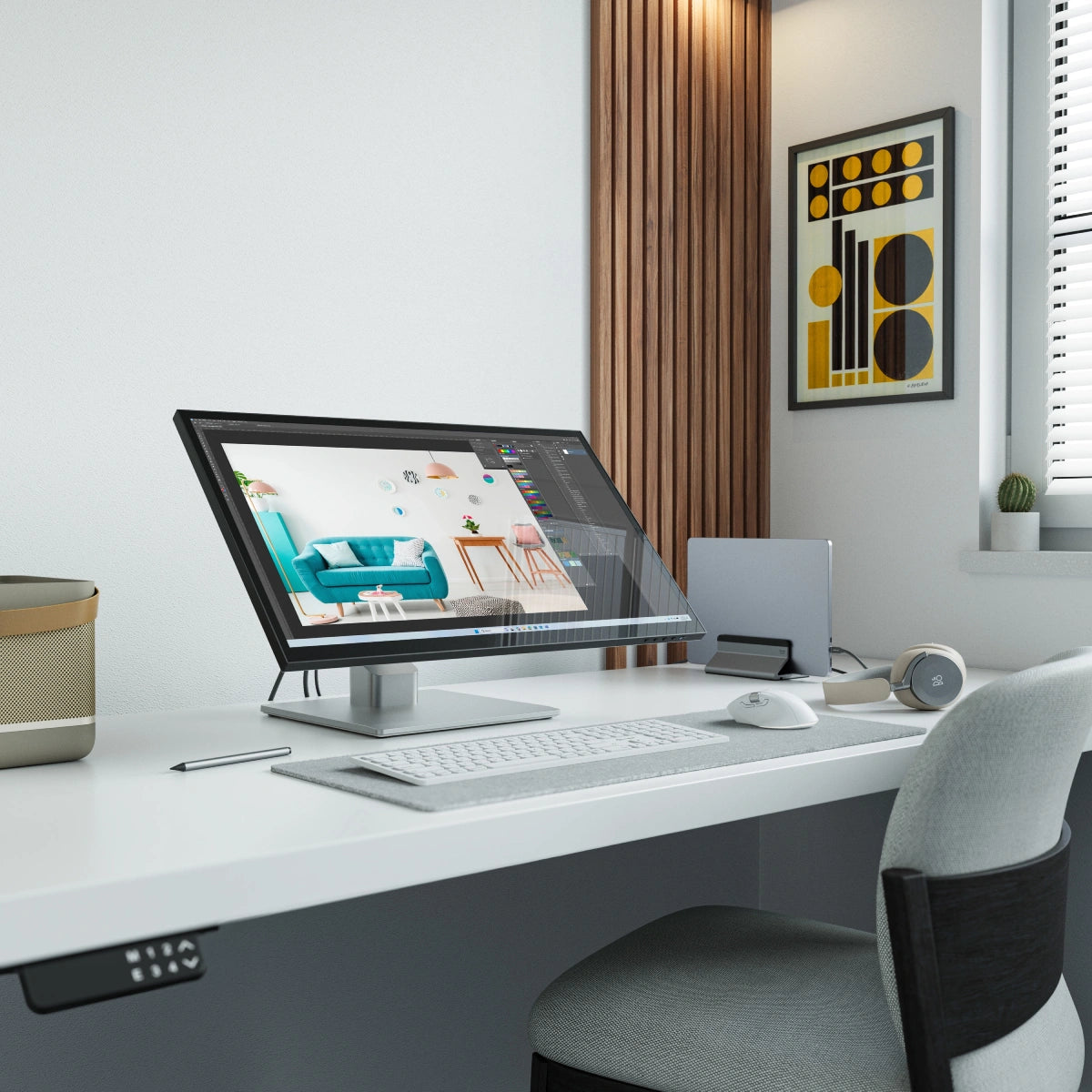
Clarity Fold touch's glorious 27" 5K (5120x2880) screen gives you plenty of screen space for multitasking with two windows side by side, or examine the finest details of your latest creation.
Whether you rely on Mac or Windows to get things done, rest assured knowing Clarity’s intuitive multitouch gestures and pressure-sensitive stylus support are fully supported by your favourite applications.


When paired with the snap-on Clarity Active Stylus (sold separately), Clarity Touch becomes the perfect drawing board for your next big idea, or a convenient way to annotate or sign documents your business requires.
4096 levels of pressure sensitivity and tilt-support make our stylus ideal for use in Photoshop, Illustrator and other apps that artists love, while everyone can appreciate its months-long battery life and pairing-free connectivity.
Clarity Fold’s ergonomic stand folds down in seconds into a sturdy, supportive surface for hours of comfortable stylus use. When you’ve finished with the stylus, it’s easy to raise the monitor up to a comfortable eyeline for everyday work.

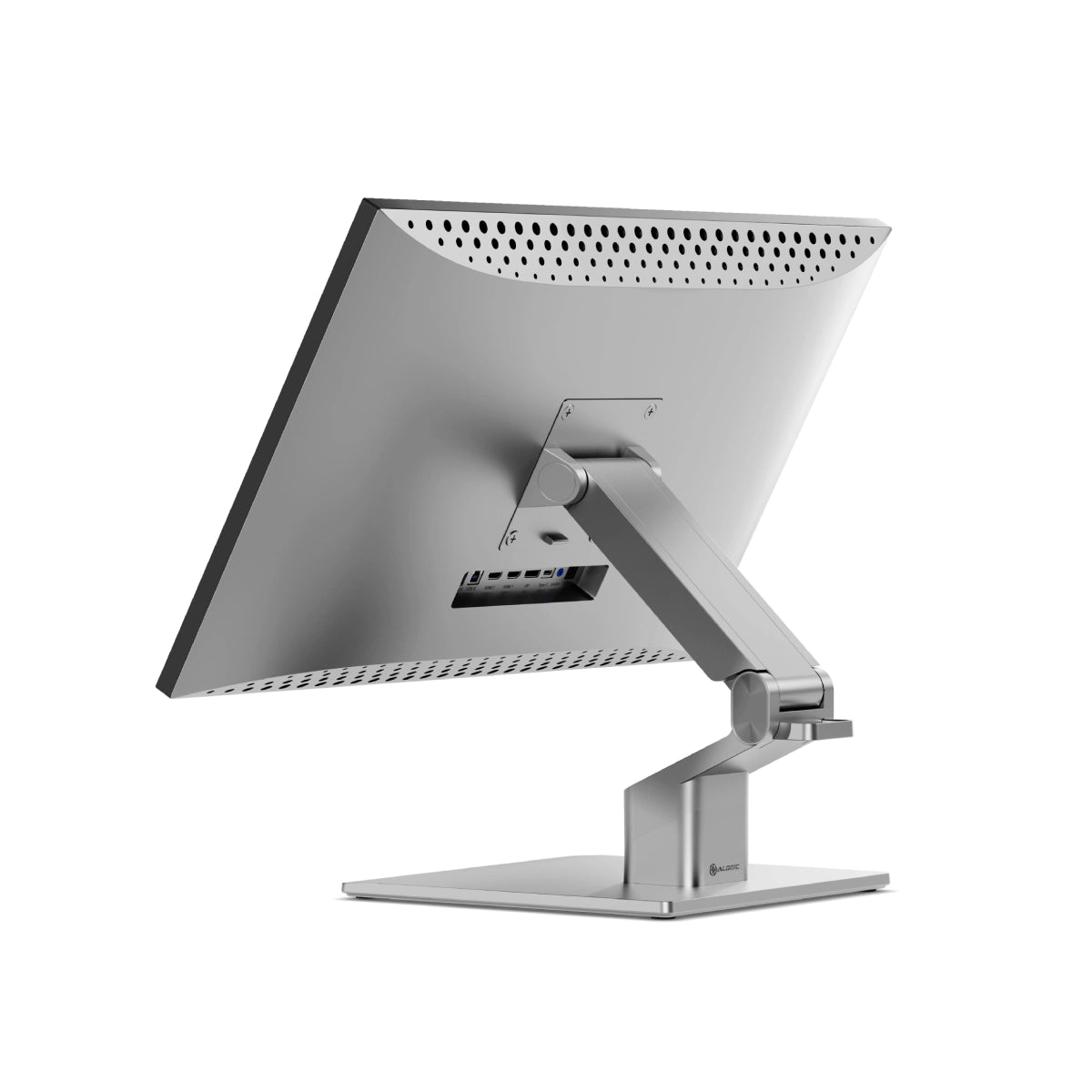
The robust USB-C hub integrated into every Clarity monitor takes the complexity out of connectivity by recharging your laptop and linking it to two USB devices.

USB-A Ports
For Your Favourite Accessories
USB-B Port
Data Connection for Legacy Computers.
HDMI Ports
5K Video
DisplayPort
5K video
USB-C Port
5K Video & 65W Laptop Charging
Audio Output
For Headphones or Speakers
USB-A Ports
For your favourite accessories
USB-B Port
Data connection for old computers.
HDMI Ports
Provides 4K video
DisplayPort
Provides 4K video
USB-C Port
4K video & 65W laptop charging
Audio Output
For headphones or speakers

General

Like Clarity Pro Touch and Clarity Max Touch, Clarity 5K Touch features a 10-point touchscreen that supports MPP2.0 active styluses and multitouch gestures on Mac and Windows.
However, unlike Pro Touch and Max Touch, Clarity 5K Touch does not have a webcam.
If your computer does not support USB-C DP Alt Mode or Thunderbolt 3 / 4, we recommend using DisplayPort, as this has enough bandwidth for smooth 60Hz 5K video.
We do not recommend using HDMI to connect to Clarity 5K, as the monitor’s HDMI 2.0 ports do not have enough bandwidth to deliver smooth 60Hz video.
It’s important to check your monitor stand will support Clarity Max to avoid damaging your monitor.
Clarity 5K Touch is 27”, weighs 4.8kg without the stand and measures 623.8*48.3*372.2mm (LxDxH).
However, it does need to plug into a USB-C port compatible with PD (Power Delivery) on your computer.
These can sometimes be identified by the presence of a battery icon next to the port on your laptop, but often you’ll need to check the user manual or manufacturer’s website to figure out which USB-C ports support PD.
All Thunderbolt 3 and 4 ports support PD.
Connected to Clarity via either:
- 1. Clarity's USB-C port
- 2. Clarity's USB-B port
Clarity’s "Active USB" mode is set to the same USB port you've connected to your computer.
To change Clarity's "Active USB" mode, navigate to "USB Switch" in the "Other Settings" menu of Clarity's main menu.
For example: if your computer is connected to Clarity via USB-C, you would select "Type-C" in the "USB Switch" menu.
In order to get multitouch working on macOS, you’ll need to install our macOS drivers – click here for instructions
Touchscreen
Moving your mouse onto Clarity before using the touchscreen usually resolves this issue.
Solution - Windows If you’re using Windows 10 or 11 with multiple displays you can specify which monitor you want touch input to apply to, which saves you having to mouse over to that display before using touch.
To do this, launch Control Panel, click “Hardware and Sound” then ‘Calibrate the screen for pen or touch input’ from the menu.

Select “Setup”, choosing “Pen Input” if you’re using an active stylus or “Touch Input” if you’re using your fingers or a capacitive stylus, then follow the onscreen instructions.

If completing this process doesn’t resolve your issue, try setting up for the other kind of input.
Troubleshooting
To resolve the issue, restart Clarity by pressing the power button twice – it should recognize the connected device as part of its boot-up sequence.
If this issue persists, we recommend trying the following steps to isolate the issue:
- • Connect Clarity directly to your computer
- • Try connecting with a different cable or port. ie. Use DisplayPort instead of USB-C
- • Update your computer’s operating system.
If your problem reoccurs and these steps do not help resolve it, please contact ALOGIC support (support@alogic.co).
For smoother video, we recommend connecting via USB-C or DisplayPort.