

 US
US
 Canada
 UK
UK EU
EU AU
AU New Zealand
 Japan
Japan Singapore
 UAE
UAE India
India South Korea
MX3 USB-C Triple Display DP Alt. Mode Docking Station - With 100W Power Delivery



MX3 USB-C Triple Display DP Alt. Mode Docking Station - With 100W Power Delivery
Regular price
$208.99
Sale price
Regular price
$208.99
Couldn't load pickup availability
Specifications
Specifications
Downloads
Downloads
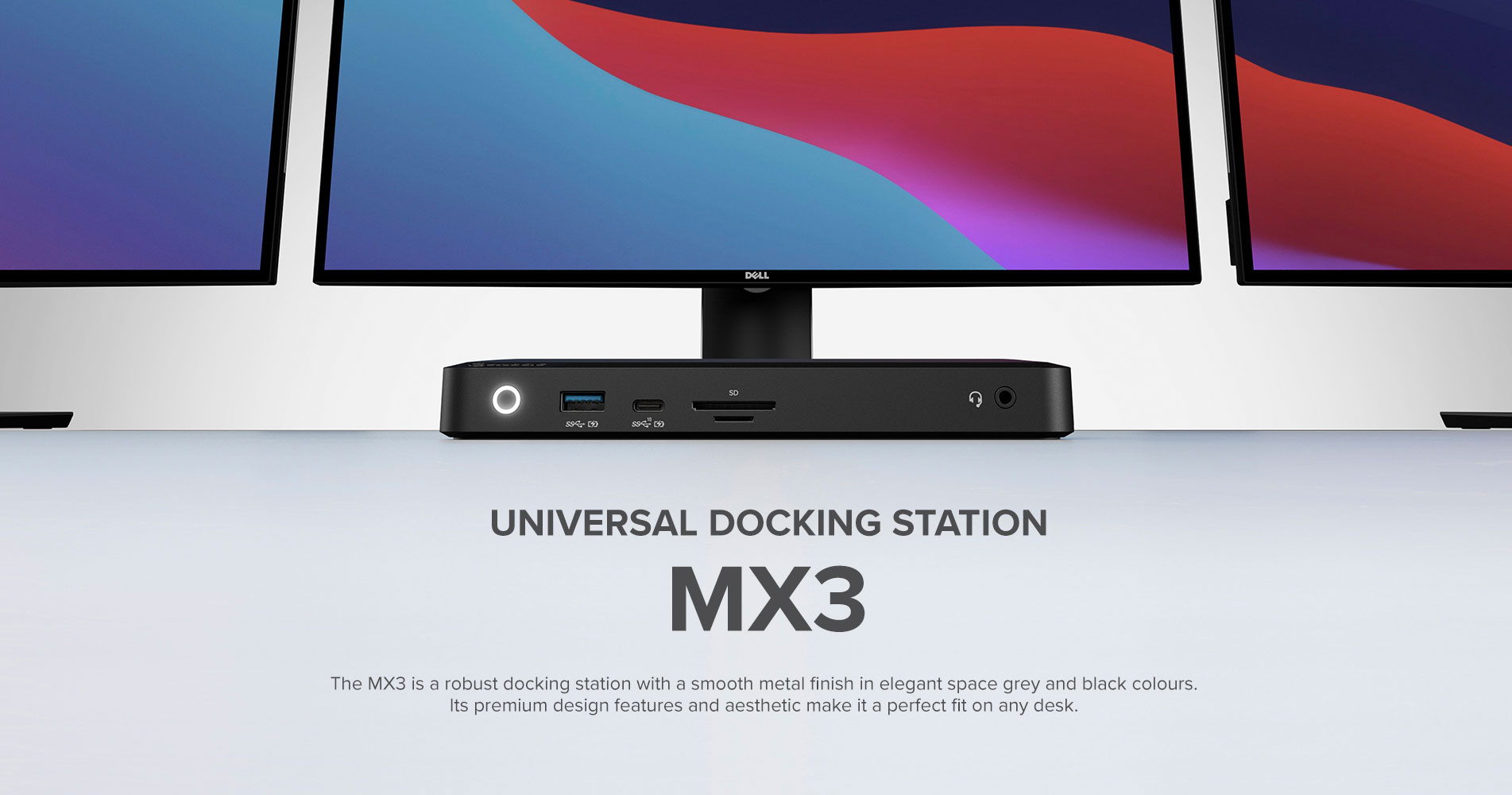
SIMPLIFIED CONNECTIVITY- DP Alt. Mode Technology
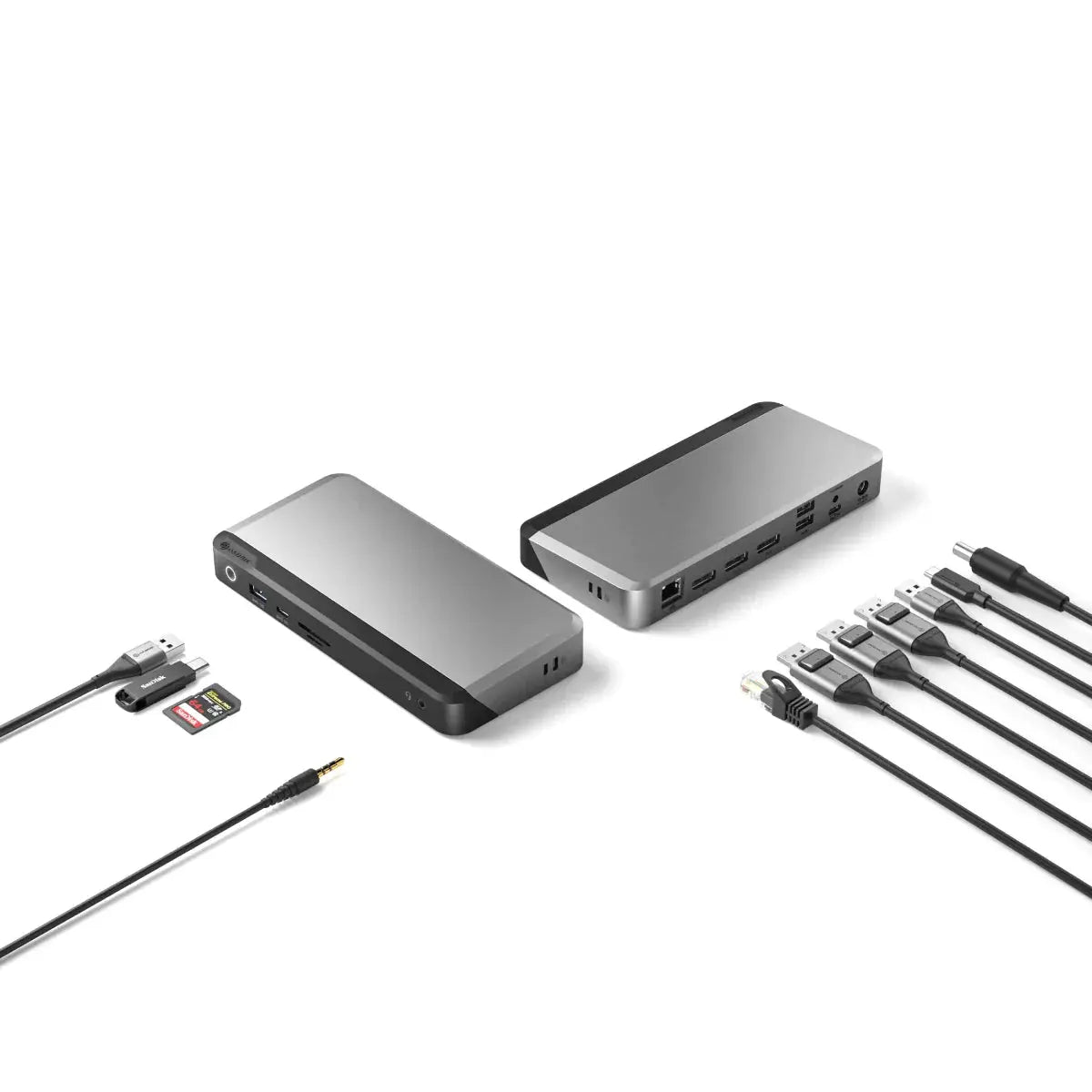
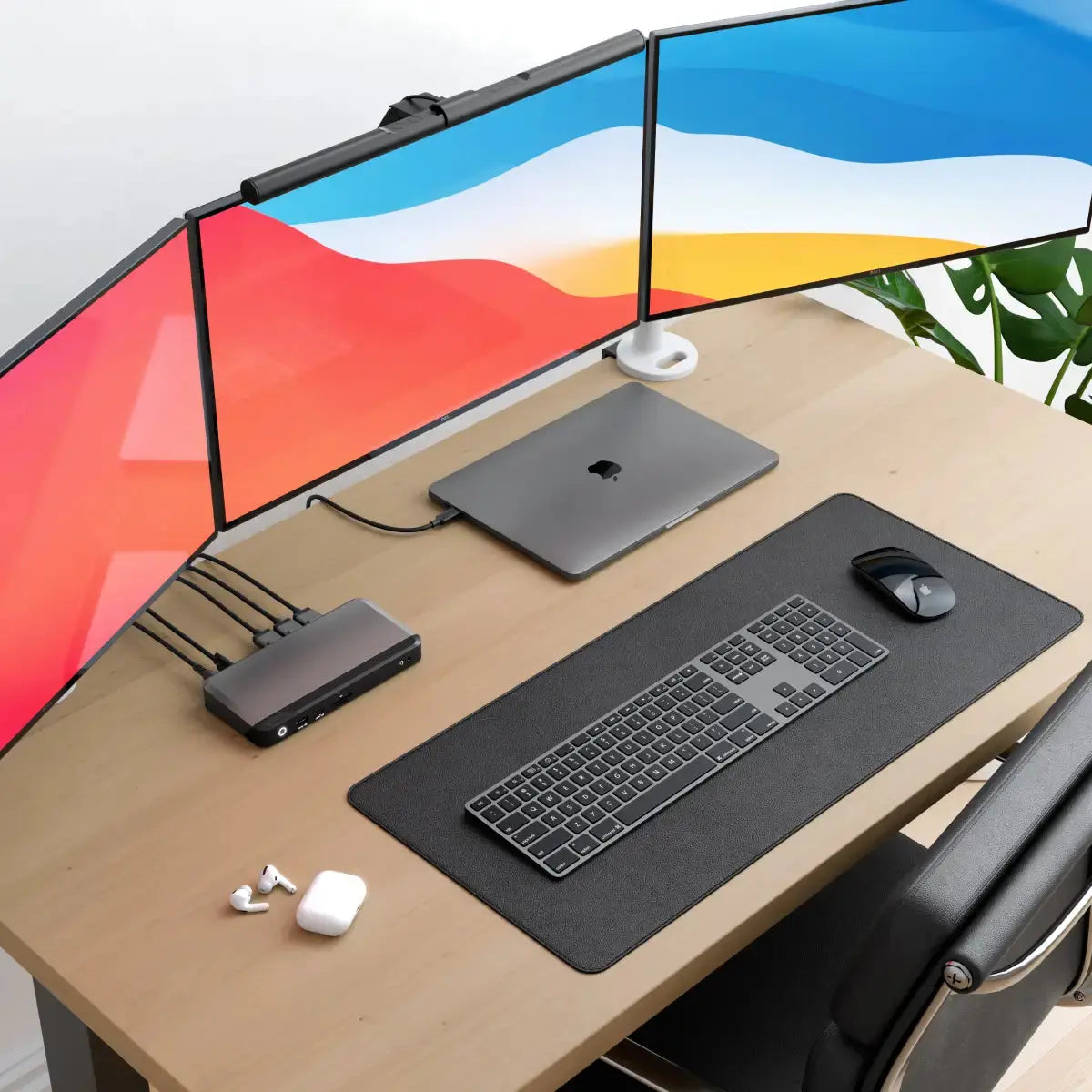
The MX3 makes multi-display set ups simple. Featuring DP Alt Mode technology, it connects directly with up to three displays and multiple other accessories. No need to install drivers or software. Plug in and go.

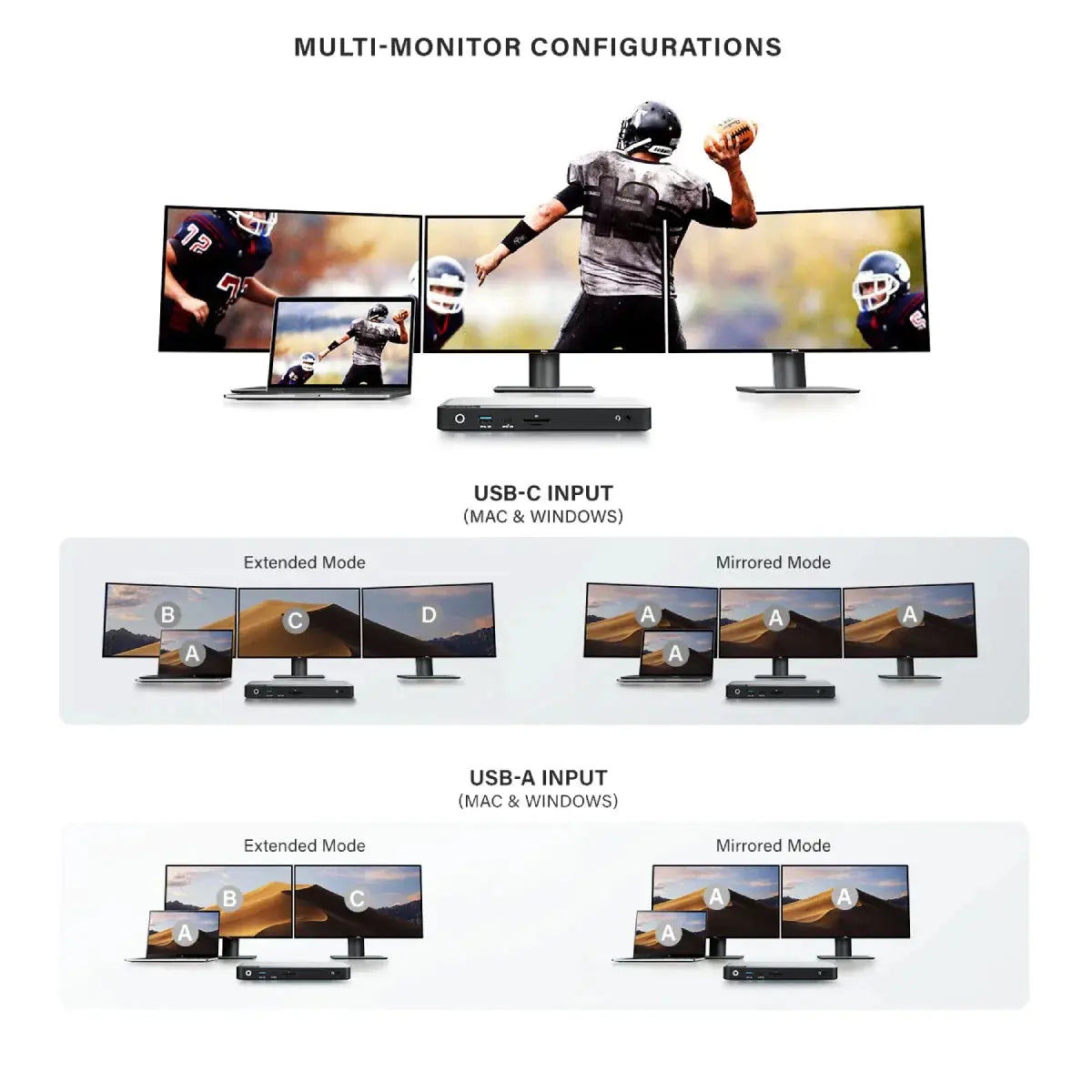
SINGLE 5K DISPLAY WITH MAC
The MX3 is a powerful docking station for Mac users seeking to add a dazzling, ultra-high resolution display for their desk set up.
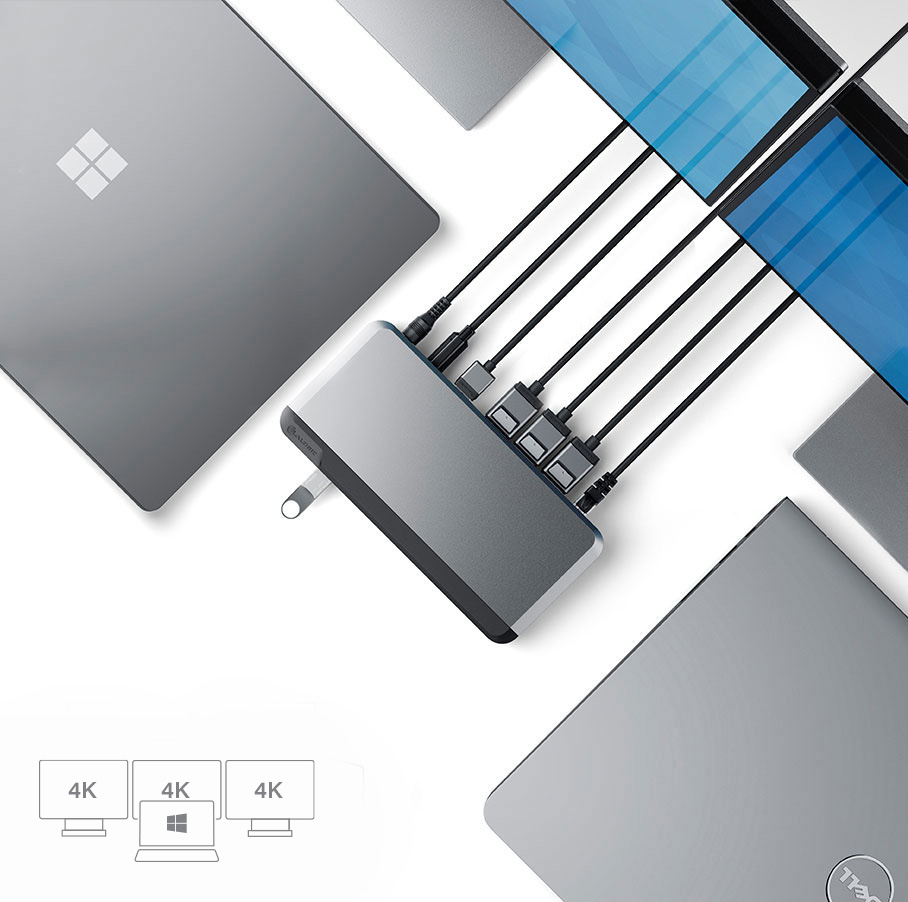
TRIPLE 4K DISPLAYS WITH WINDOWS
Windows users can plug into the MX3 to run up to three ultra-high resolution external displays.

Frequently Asked Questions
General
What maximum video resolution does the ALOGIC MX3 dock support?
On Windows laptops supporting DisplayPort 1.4 Alt Mode with MST, the ALOGIC MX3 Docking Station supports up to three extended 4K displays simultaneously. On macOS laptops, it supports a single extended 4K or 5K display (connecting additional monitors will result in mirrored screens due to native Apple macOS MST restrictions).
Do I need to install any drivers or software to use the ALOGIC MX3 dock?
No. The ALOGIC MX3 operates natively using USB-C DisplayPort Alternate Mode (DP Alt Mode) technology, making it completely driverless and plug-and-play across supported operating systems.
Does the ALOGIC MX3 come with a power supply, and how much power does it supply to my laptop?
Yes. The ALOGIC MX3 100W Edition includes a high-capacity AC power adapter that delivers up to 100W Power Delivery (PD 3.0) over the primary USB-C cable. This provides fast charging for power-hungry 13-inch, 14-inch, and 16-inch laptops while simultaneously running all connected workstation peripherals.
What type of port is required on my laptop to connect to the MX3 dock?
Your host laptop must feature a USB-C or Thunderbolt 3/4/USB4 port that supports DisplayPort Alternate Mode (DP Alt Mode) for video transmission and USB Power Delivery (USB PD) for laptop charging. It is not compatible with legacy USB-A ports or USB-C ports that only support data transfer.
Will the ALOGIC MX3 dock support multiple extended monitors on a MacBook?
No. Because the MX3 relies on native USB-C DP Alt Mode (rather than DisplayLink drivers), macOS restrictions limit external video output to a single extended display. For users requiring triple or dual extended displays on MacBooks (including base M1, M2, and M3 models), ALOGIC recommends DisplayLink-based docks like the DX3 Triple 4K Dock.
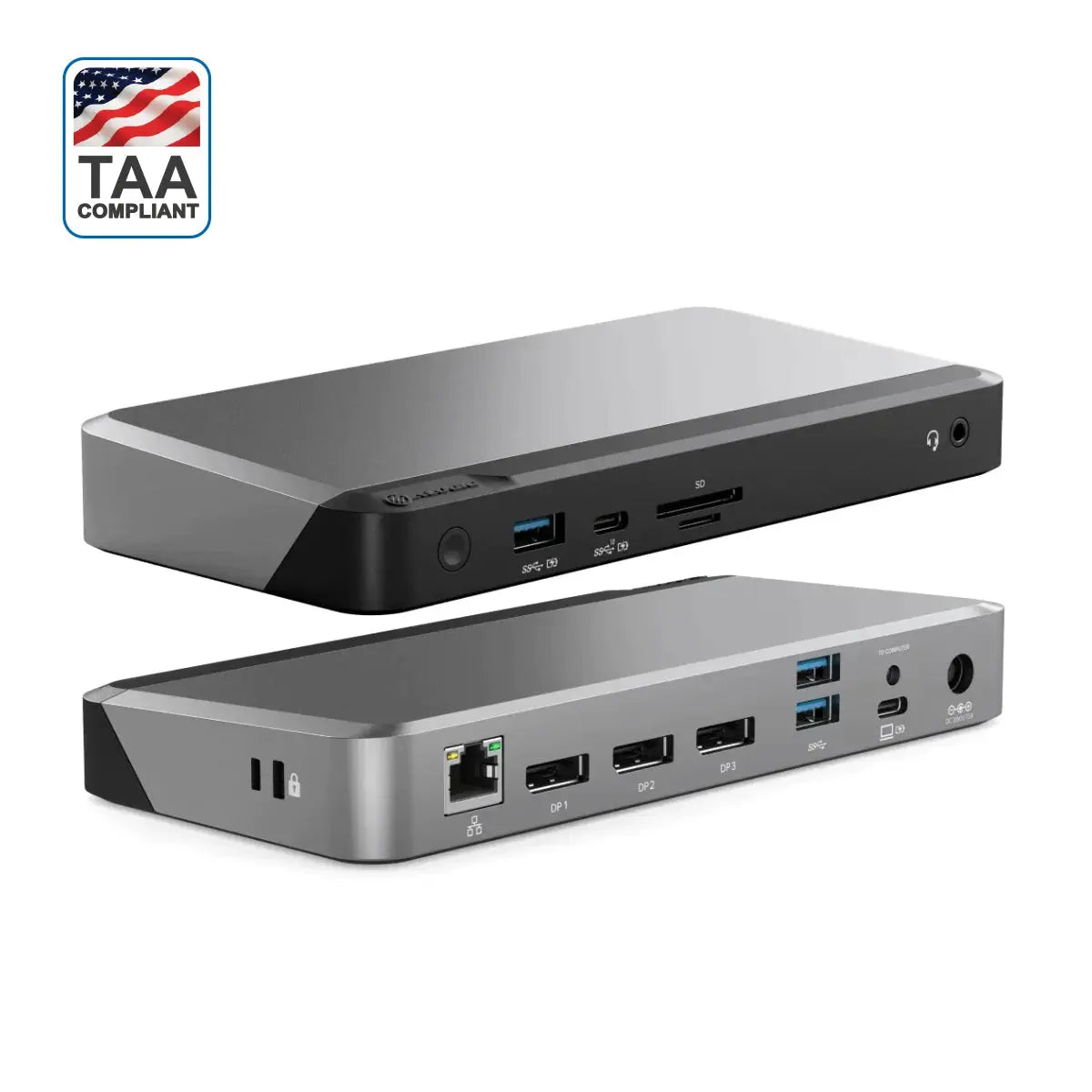
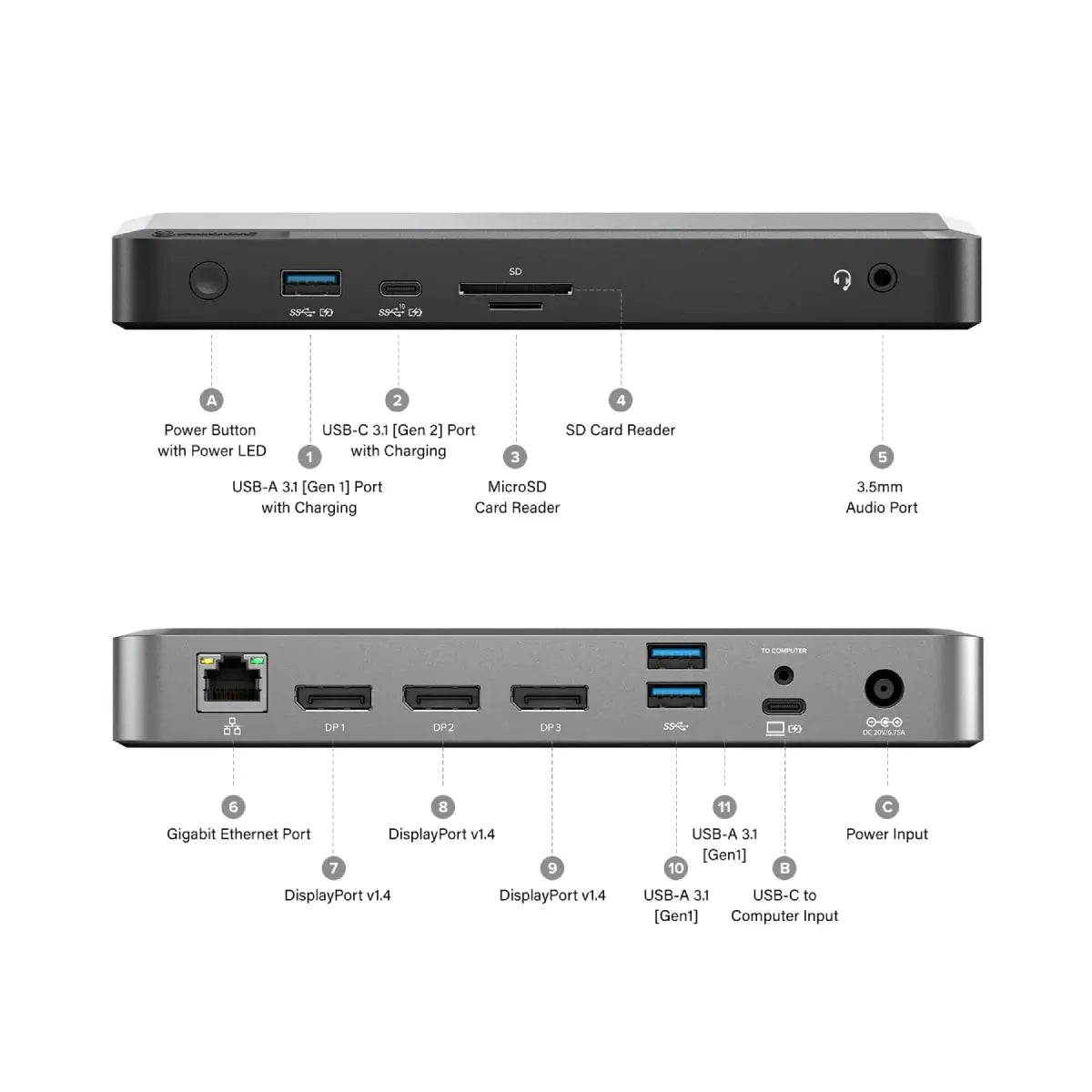
What ports are built into the ALOGIC MX3 Triple Display Docking Station?
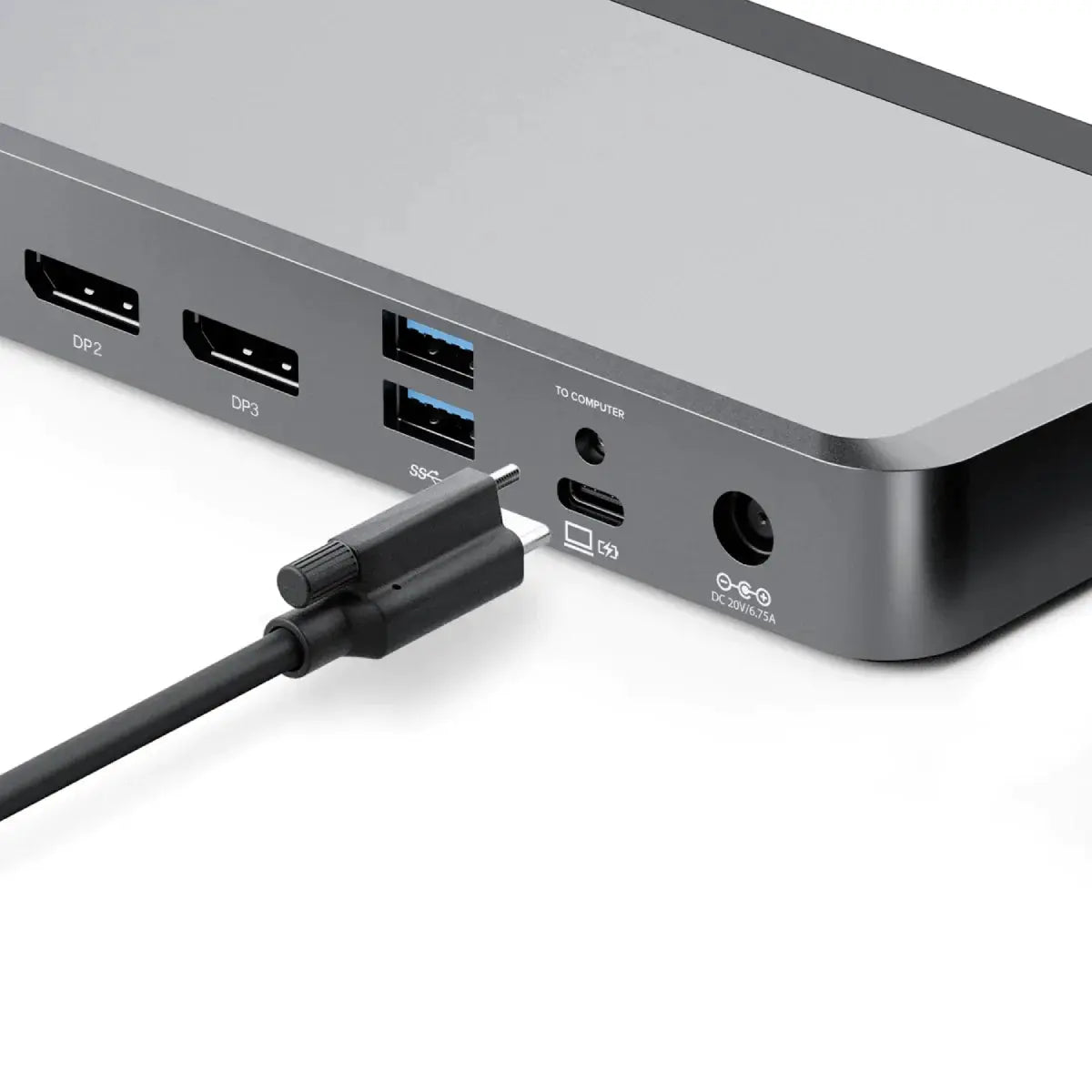
"The ALOGIC MX3 Dock converts your laptop into an 11-port workstation:
Video: 3x DisplayPort 1.4 outputs (Up to Triple 4K on Windows).
USB Ports: 1x USB-C 3.2 Gen 2 (10Gbps), 1x USB-A 3.2 Gen 2 (10Gbps), and 2x USB-A 3.2 Gen 1 (5Gbps).
Networking & Audio: 1x RJ45 Gigabit Ethernet port (1Gbps) and 1x 3.5mm combo audio jack.
Storage: SD and MicroSD 4.0 UHS-II card readers."
Video: 3x DisplayPort 1.4 outputs (Up to Triple 4K on Windows).
USB Ports: 1x USB-C 3.2 Gen 2 (10Gbps), 1x USB-A 3.2 Gen 2 (10Gbps), and 2x USB-A 3.2 Gen 1 (5Gbps).
Networking & Audio: 1x RJ45 Gigabit Ethernet port (1Gbps) and 1x 3.5mm combo audio jack.
Storage: SD and MicroSD 4.0 UHS-II card readers."